Update: Smarter Rank Imports

This update is going to be slightly different. We’ve received strong positive feedback on our importing system, so we want to share how to use it more effectively with this latest improvement.
Update Required
We’ve refined the importing experience and added new improvements across the app. To access the updated import flow, UI enhancements, and beta features, make sure you’re running the latest version of Aviato.
Import Flights with Different Ranks
If you previously flew under a different rank (e.g. Second Officer), you can import those flights under that rank before switching to your current one. Aviato will automatically apply the correct holder capacity, seat time, and day/night split.
Before You Import
Select the rank you want Aviato to apply during this import.
Steps
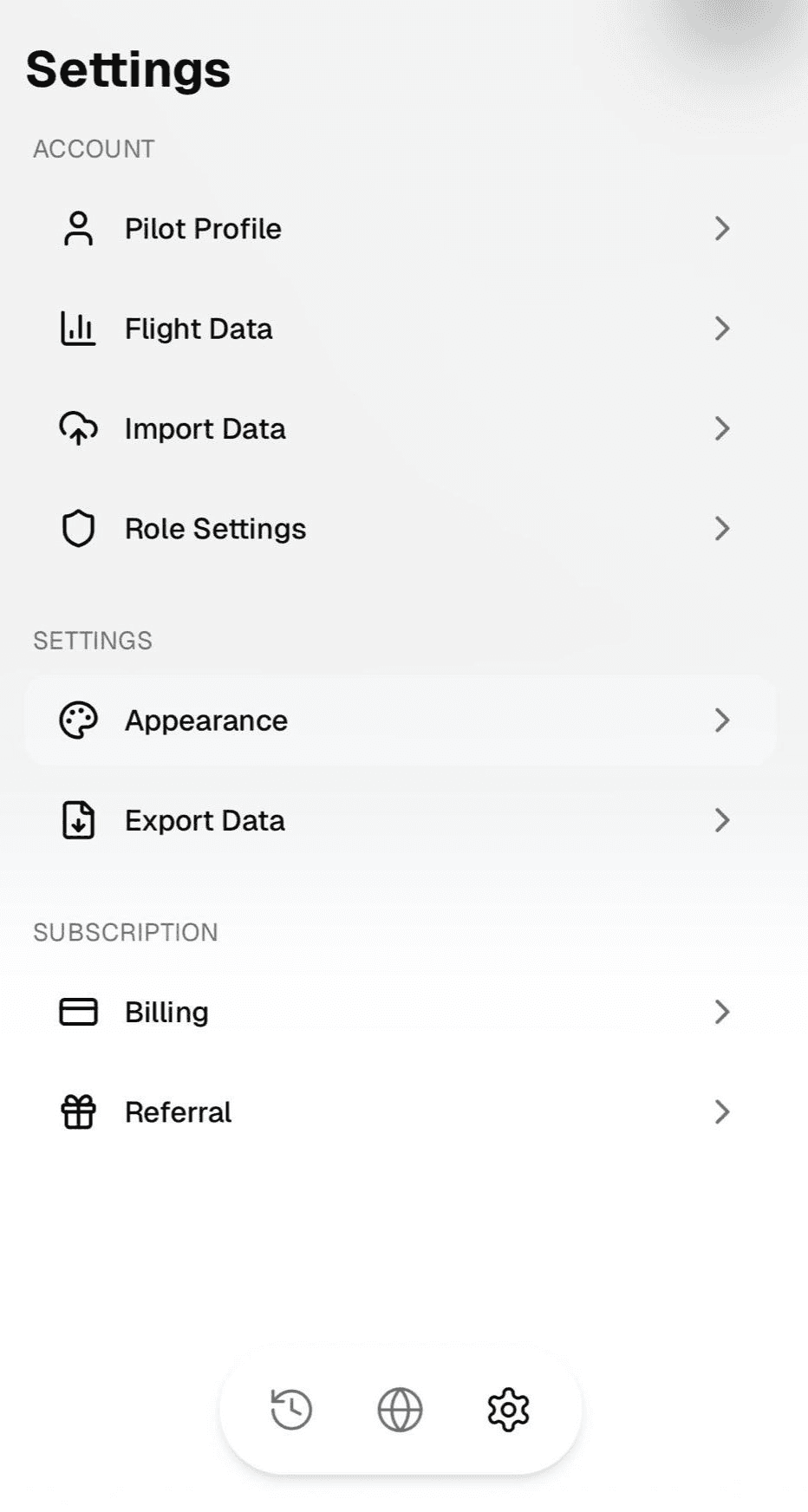
- Go to Profile → Role Settings

- Select the rank you want to import under (e.g. Second Officer)

- Confirm the default Holder Capacity (e.g. P2X)
- Tap Save

- Go to Profile → Import Data
- Upload and complete the import flow

That’s it. All flights in that batch will use the selected rank’s configuration. To import flights under another rank (e.g. First Officer), repeat the steps after switching roles.

New Features
Crew Notes
Add crew members to each flight and attach structured notes directly inside the log entry. Record who you flew with, document key details, and keep contextual information tied to the flight itself. Everything stays searchable and organised within your logbook.
Performance and UI Update
The app is faster and more responsive across all flows. Pages load quicker, transitions feel smoother, and key information is easier to scan. The updated interface reduces visual clutter and improves clarity across flight views, imports, and settings.